
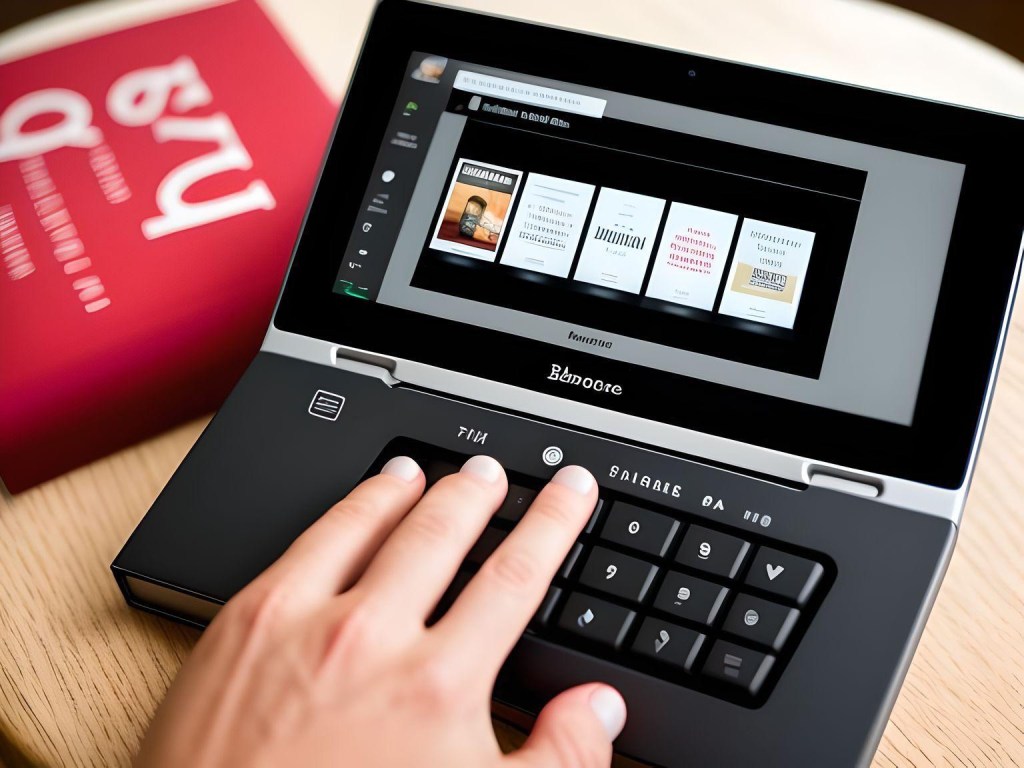
1. Create an Account:
If you haven’t already, visit the Barnes & Noble NOOK Press website. Sign up for a NOOK Press account.
2. Start a New Project:
Once logged in, click the ‘Create a New Project’ option. You’ll need to choose between an eBook or a print book.
3. Enter Book Details:
Input your book’s title, author name, and other necessary details. Write a description for your book.
4. Upload Your Manuscript:
NOOK Press accepts multiple file formats, including EPUB, DOC, DOCX, TXT, and RTF. If you’re uploading an EPUB, ensure it’s validated and errorfree.
5. Design the Cover:
You can upload a premade cover or use NOOK Press’s cover designer.
6. Set Pricing and Territories:
Decide how much you want to sell your book for. Select the countries where you have rights to sell.
7. Enter Sales Information:
Input your bank details and tax information so you can get paid.
8. Review and Publish:
Before publishing, review your book in the NOOK previewer. This review will show you how your book will look on different NOOK devices. Once you’re satisfied with everything, click ‘Publish.’
9. Monitor Sales:
Use the NOOK Press dashboard to keep track of sales, reviews, and rankings.
Remember that the specifics or the user interface might change over time. It’s always a good idea to refer to the official guidelines or FAQs provided by Barnes & Noble or any platform when you’re planning to publish.



 Transform
Leave a comment